Style Board
Fashion looks pinned on a masonry board of images in different shapes, with category filters and a heart to save the ones you like.
≈ 1,350 tokens per use (tool 646 · guidance 310 · typical payload 394)How token costs are estimated
Example: Style Board
Show me spring outfit ideas I can save
Spring wardrobe ideas
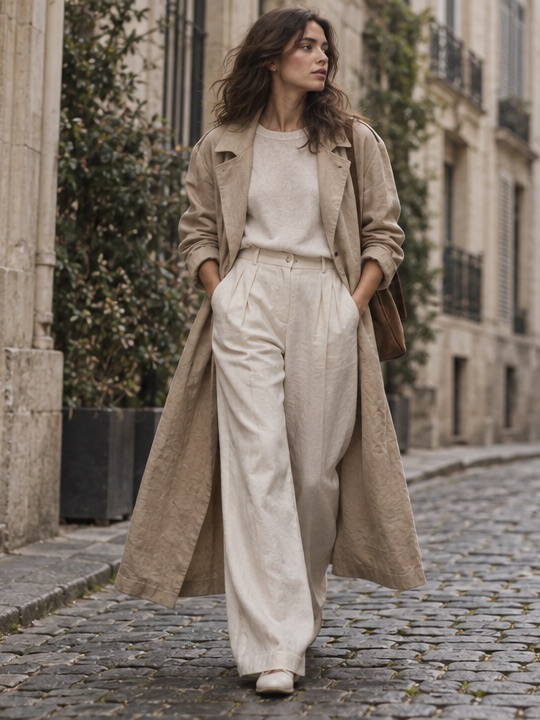 Open Linen trench, wide trousers (opens in a new tab)Linen trench, wide trousers$189
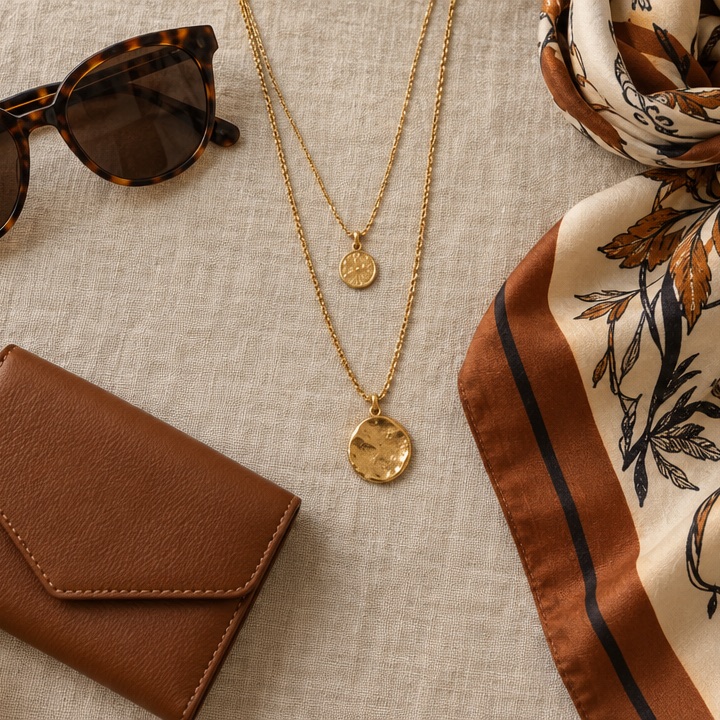 Open Gold, silk and tortoiseshell (opens in a new tab)Gold, silk and tortoiseshell$64
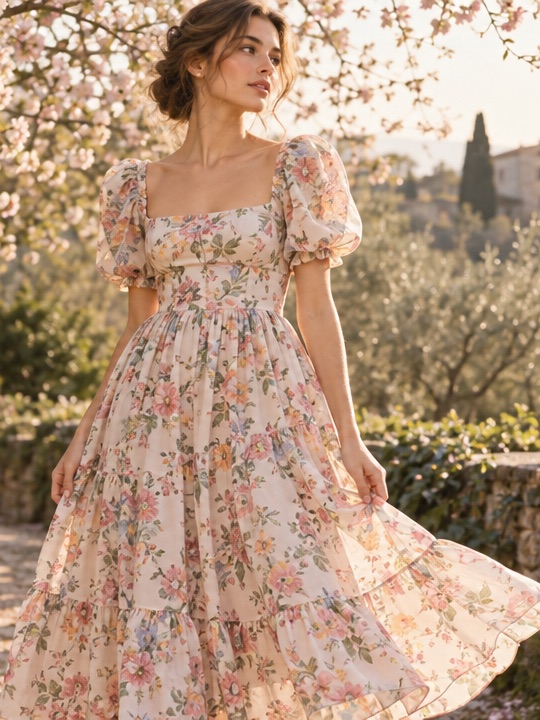 Open Puff-sleeve floral midi (opens in a new tab)Puff-sleeve floral midi$142
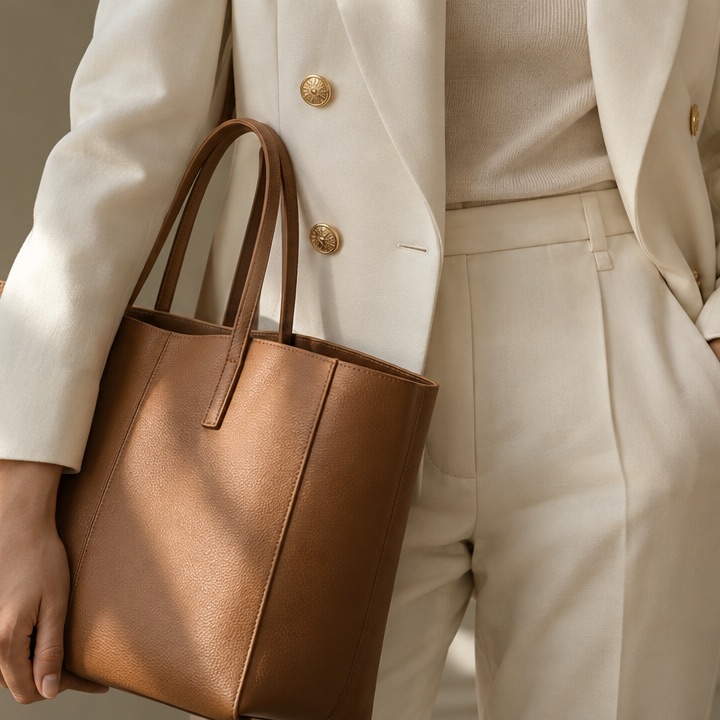 Open Cream blazer, tan tote (opens in a new tab)Cream blazer, tan tote$215
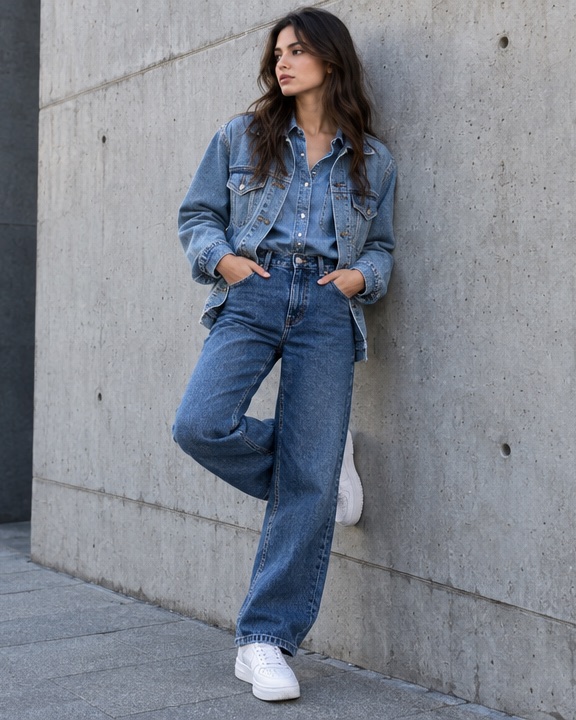 Open Denim on denim (opens in a new tab)Denim on denim$96
When to use
- The user wants to browse fashion looks or outfit ideas as a board, with images of different shapes, and maybe save the ones they like.
- The agent has four to twelve real images of outfits, pieces or accessories, from a search or product tool.
When not to use
- The agent doesn't have real image URLs. It must never invent or guess them.
- There are only a few ideas, or the topic isn't clothes. Use Inspiration Cards.
- The items are products to compare by price, size or rating. Use a Comparison Matrix or an Entity Card.
- One scene-setting collage is enough. Use a Photo Mosaic.
How the agent should use it
- Take every image
srcandurlfrom a tool result or the host, never from memory. Only http(s) URLs and same-origin paths load; a link that isn't http(s) is dropped. - Pass each image's real
aspect(width divided by height: 0.67 for a 2:3 portrait, 1 for a square). It reserves the pin's height before the image loads, so the board doesn't jump. - Keep titles to a few words. Add a
priceonly for shoppable items, exactly as the store gives it. - Give each pin a one-word
categorywhen there are natural groups. Filter chips appear when there are two or more (the first four are shown, plus "All"). - Set
saveable: falsewhen the user only wants to look. Otherwise they can heart looks and send them back. - Write real alt text for each image.
- Lifecycle: looks are a snapshot, so it usually needs none. When they come from a live catalog with prices, set
fetchedAt(andstaleAfterMs). When the agent sends a new board, mark the old call superseded (supersededBy).
Interaction
- Layout. Pins sit in two or three columns (
columns, default 3; narrow containers always use 2). Each pin goes to the currently shortest column, so the columns end level and earlier pins never move when later ones stream in. Each pin's height comes from itsaspect, so portraits, squares and landscapes mix like a pinboard. Screen readers hear the columns one after another. - Save. A heart on each pin's corner toggles it (
aria-pressed, a 44px hit area). Saved pins get a ring, and the footer counts them ("3 looks saved"). Save to board sends the ids and locks the board; the footer then reads "Saved Linen trench and Cream blazer". With nothing saved the button is disabled and the instruction is read to screen readers only. - Filter. Category chips (they wrap onto more rows on narrow screens, never scroll sideways) show only the matching pins, rebalanced across the columns. Saves are kept when the filter changes.
- Links. A pin with a safe
urlis a link that opens in a new tab and sends{ action: "open", id }for analytics. - Broken images. An image that fails to load, or whose
srcisn't allowed, becomes a neutral tile showing its alt text. - Streaming. Pins append as they arrive, with a placeholder for the next one; saving is disabled until the call completes. Images load lazily.
Installation
npx shadcn@latest add https://your-site.com/r/style-board.json
Usage
import { tool } from "ai"
import { styleBoardTool } from "@/components/genui/style-board.schema"

const tools = {
  [styleBoardTool.name]: tool({
    description: styleBoardTool.description,
    inputSchema: styleBoardTool.inputSchema,
  }),
}
With saveable: false the board is display-only, so give the tool an execute that returns immediately. Otherwise the agent receives:
{ action: "save", ids: ["trench", "floral"] } // in board orderLink opens send { action: "open", id: "trench" }. They are analytics only and never lock the board; the agent doesn't need to answer them.
Restoring from history
When a conversation is reloaded, pass the stored result back as result. A save result restores the saved looks (hearts, rings and the footer) read-only and never calls onResult again, so a choice can't be sent twice. With the AI SDK, that's the tool call's output:
<StyleBoard
  {...part.input}
  result={part.state === "output-available" ? part.output : undefined}
/>
Schema
| Prop | Type | Notes |
|---|---|---|
title | string? | e.g. "Spring wardrobe ideas" |
columns | 2 | 3 | Default 3. Narrow containers always show 2 |
saveable | boolean | Default true. false is display-only |
submitLabel | string? | Save button text. Default "Save to board" |
pins | Pin[] | 4–12 pins, below |
A pin is { id, image: { src, alt, aspect? }, title, price?, category?, url? }. image.src, image.aspect, price and url are data-bound; title is up to 60 characters, category up to 20.
Host props: status (streaming, ready, saved), onResult, result and className.