Entity Card
Products, places or people the agent found, as cards the user can compare and act on.
≈ 1,513 tokens per use (tool 867 · guidance 235 · typical payload 411)How token costs are estimated
Example: Entity Card
Find me running shoes under $150 for road running.
Running shoes under $150

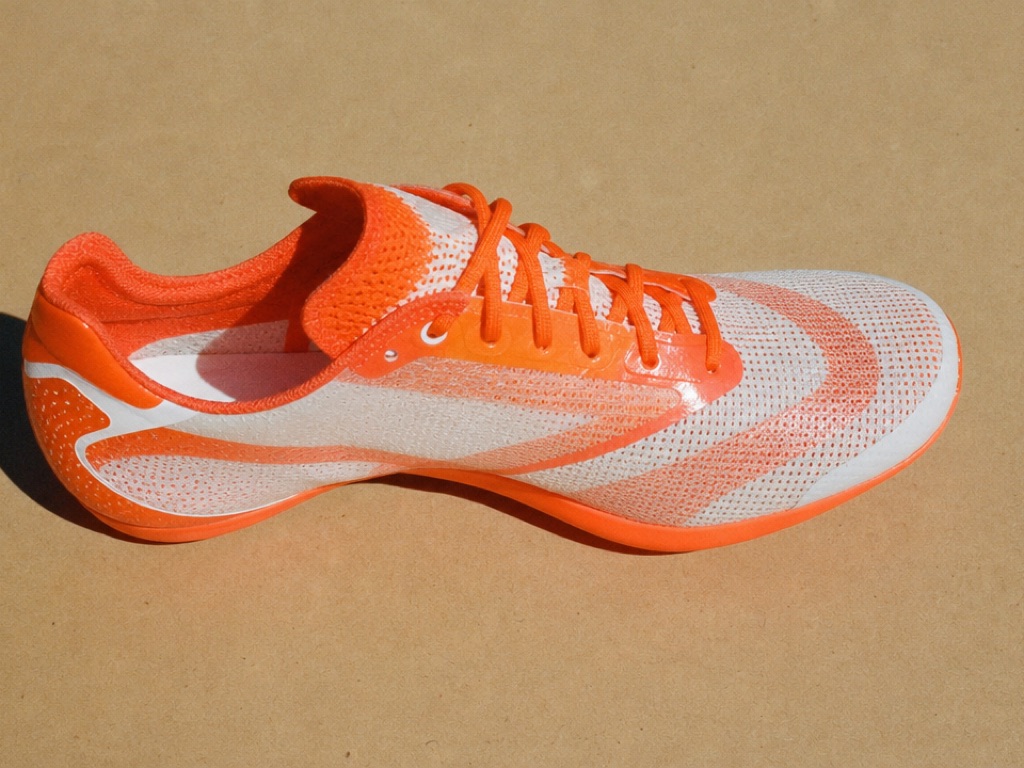
Tempo Racer (opens in a new tab)
Fleetway
Rated 4.4 out of 5 from 386 reviewsCarbon plate210 g
$1452 left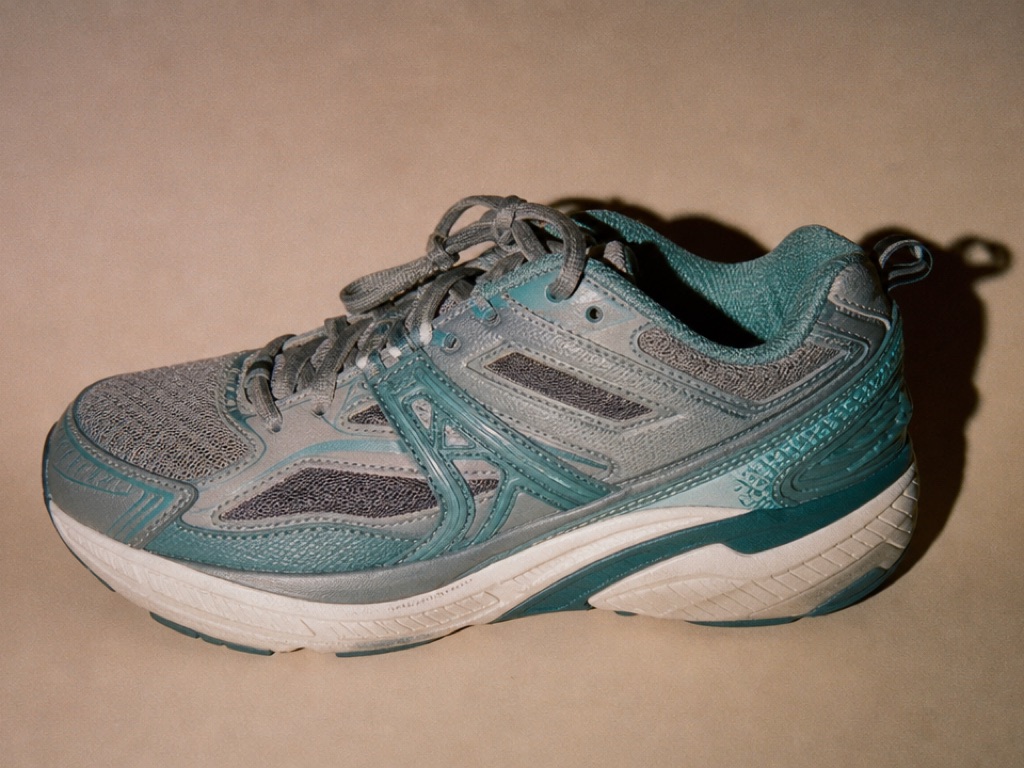
Cloudpath Trainer (opens in a new tab)
Arc Running
Rated 4.2 out of 5 from 902 reviewsStability290 g
$112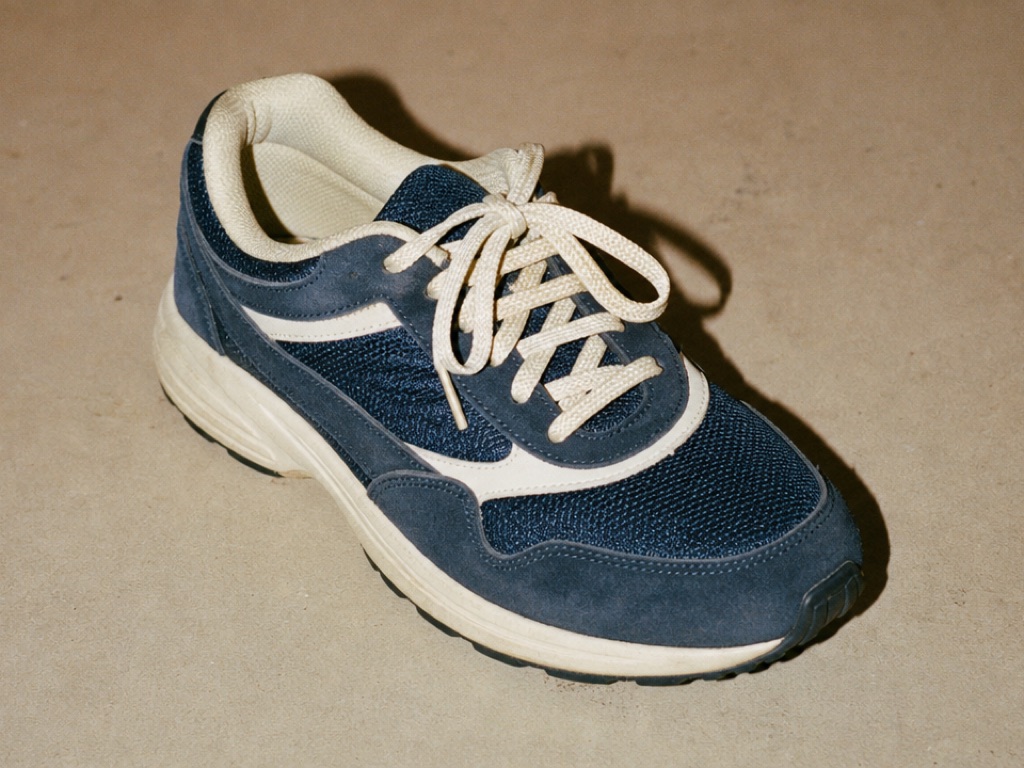
When to use
- The agent found a few products, places or people, and the user will compare them or pick one.
- The items have a picture, price, rating or a few short facts worth scanning side by side.
When not to use
- There's a single result. Describe it in text, or use a Summary Card.
- The user needs to compare many fields across many rows. Use a Data Table.
- The items didn't come from a tool. Never invent products, prices or ratings.
How the agent should use it
- Show 1–8 items, best match first, exactly as the tool returned them.
- Pick the layout for the content:
carouselfor visual items the user browses (products),listfor items compared by text (places, people). - Only set
price,ratingandbadgefrom the source data. A badge is a real state that changes the choice, like "2 left", never marketing copy or a state every item shares. - Keep
attributesto 3 short facts the user compares, like "8 yrs", "Go", "Remote". - Only add actions the host supports.
actionsis a closed set:add_to_cart,save,select,book,contact.
Actions
Each button press calls onResult once with { action, entityId }. That button switches to its done state ("Added", "Saved", …) and every other button stays usable, so the user can add two pairs of shoes from the same card set.
Because one card set can produce several actions, handle them in the host rather than as the tool call's single output: give the tool an execute that returns immediately, and act on each press (call the cart API, then tell the agent in a message if it needs to know).
Each item shows its name, one quiet line (subtitle, rating and attributes) and, when set, the price as the largest text. The review count is read to screen readers with the rating ("Rated 4.6 out of 5 from 1,240 reviews") rather than shown.
Images must be http(s); anything else, or an image that fails to load, shows a neutral placeholder with the item's first letter. In the carousel, cards snap as the user scrolls by touch or trackpad, and previous/next buttons appear on larger screens when there's more to see.
Installation
npx shadcn@latest add https://your-site.com/r/entity-card.json
Usage
import { tool } from "ai"
import { entityCardTool } from "@/components/genui/entity-card.schema"

const tools = {
  [entityCardTool.name]: tool({
    description: entityCardTool.description,
    inputSchema: entityCardTool.inputSchema,
    execute: async () => ({ shown: true }),
  }),
}<EntityCard
{...part.input}
status={part.state === "input-streaming" ? "streaming" : "ready"}
result={savedActions[part.toolCallId]}
onResult={async (result) => {
saveAction(part.toolCallId, result)
if (result.action === "add_to_cart") await addToCart(result.entityId)
}}
/>Each press sends:
{ action: "add_to_cart", entityId: "sku_4471" }With LangGraph
Push it from a graph node with ui.push({ name: "show_entities", props: { toolCallId, ...args } }, { message }), and render the thread's UI messages with the Renderer.
Restoring from history
Store each action the user takes, and pass them back as result (one result or an array). Those buttons render in their done state and are never sent again; the others stay usable.
<EntityCard {...part.input} result={savedActions[part.toolCallId]} />Schema
| Prop | Type | Notes |
|---|---|---|
title | string? | e.g. "Running shoes under $150" |
layout | "carousel" | "list" | Default carousel |
entities | Entity[] | 1–8. Data-bound |
actions | { id, label }[] | Up to 2. id is one of add_to_cart, save, select, book, contact |
Entity
| Field | Type | Notes |
|---|---|---|
id | string | Returned in results |
name | string | |
subtitle | string? | Brand, cuisine or current role |
image | { url, alt }? | http(s) only. Placeholder when missing or broken |
price | { amount, currency }? | ISO 4217 currency, formatted for the user's locale |
rating | { value, count? }? | value from 0 to 5. Shown as "4.6 ★ (1,240)" |
attributes | string[]? | Up to 3 short facts |
badge | string? | A real state, up to 20 characters |
url | string? | http(s) only. Opens in a new tab |
Host props: status (streaming or ready), onResult, result (one or an array) and className.